In today’s modern world, we all own numerous online accounts. Whether it is social media, banking, or work emails, each requires a strong, unique password. Naturally, no one can remember dozens of complex passwords filled with letters, numbers, and symbols. This is exactly where a password manager helps.
What is a Password Manager?
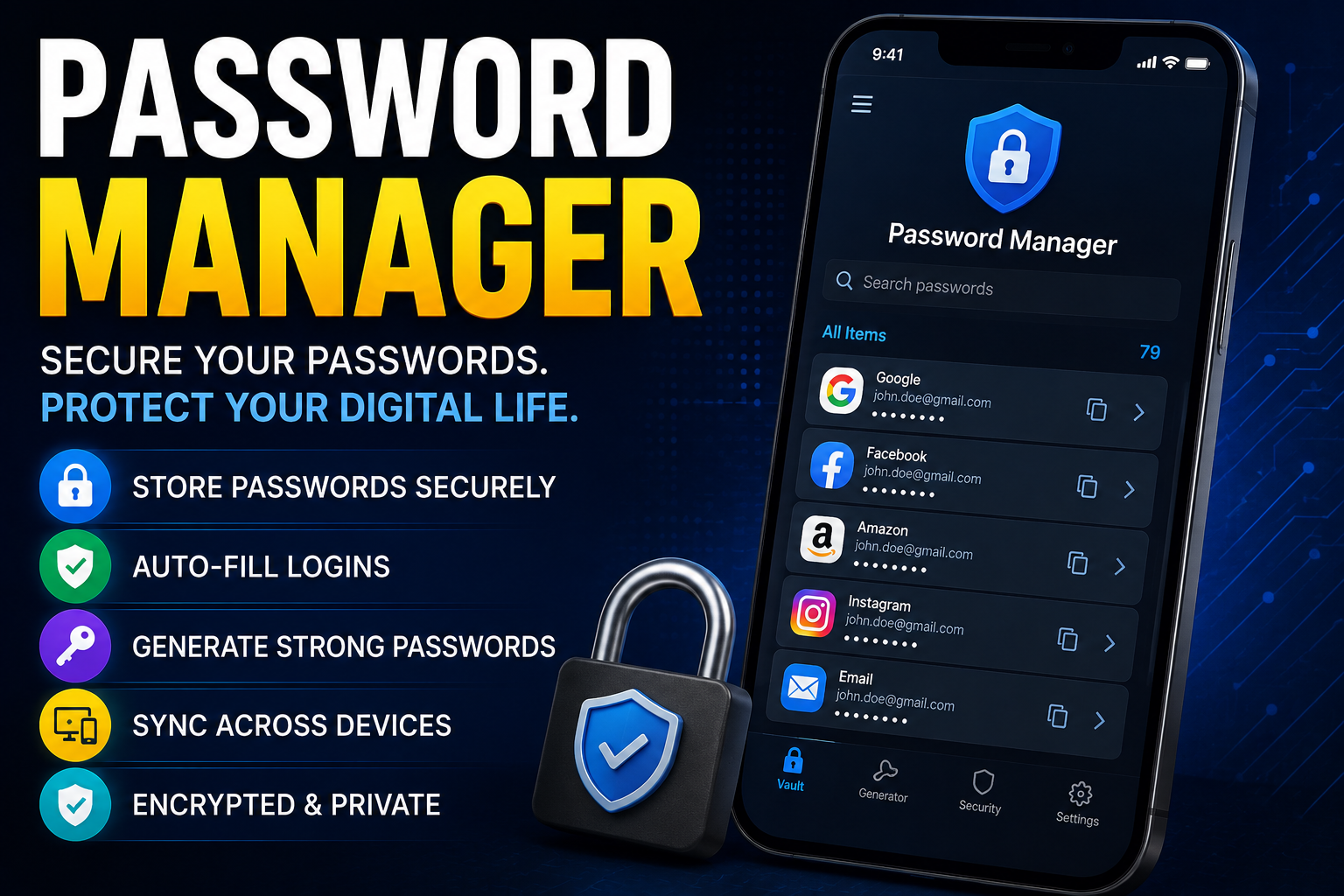
A password manager is a software application designed to securely store, manage, and generate your passwords. Think of this program as a high-security electronic safe. You store all your individual credentials inside, and this safe is locked with just one primary master password. This means you only need to remember one single password to access all your online accounts.
Why is it Important to Use One?
Many people reuse the same password across multiple accounts or choose simple options like “123456” or their names. This habits pose a massive risk to your digital security. If cybercriminals (hackers) breach one account, they can easily access all your other accounts.
A password manager eliminates this problem by performing these essential functions:
○Generating strong passwords: It creates long, complex, and unpredictable passwords for you.
○Automatic autofill: When you visit a website, the application automatically inputs your username and password.
Secure encryption: Your passwords are hidden using top-tier encryption (zero-knowledge architecture) that even the service provider cannot read.
Types of Password Managers
These applications are generally divided into two main categories:
1.Cloud-Based Managers
This type stores your passwords on secure internet servers (the cloud). The biggest advantage is syncing across all devices—your phone, computer, or tablet—as long as you have internet. Popular examples include Bitwarden, 1Password, and Dashlane.
2.Local Storage Managers
This type stores your data exclusively on your physical device (like your local hard drive). Because the data never leaves your device, it is highly secure against remote server hacks. However, if your computer breaks or is lost, you lose your passwords unless you have a separate backup. The most popular example is KeePass.
How to Choose the Right One
When selecting a password manager, consider these crucial factors:
Encryption standard: Ensure the software uses AES-256 bit encryption, which is the global security standard
Cross-platform compatibility: Check if it runs smoothly on all your devices (Android, iOS, Windows, Mac).
Two-Factor Authentication (2FA):app must support an extra security layer for your safe, like biometrics or authenticator codes.
Conclusion
Cybersecurity starts with your password. Using a password manager is no longer just a convenience; it is a necessity to protect your private data and digital assets. By adopting one tool, you save yourself from the massive headache and financial risk of compromised accounts.
Software Reviews: How to Choose the Best Software for Your Needs