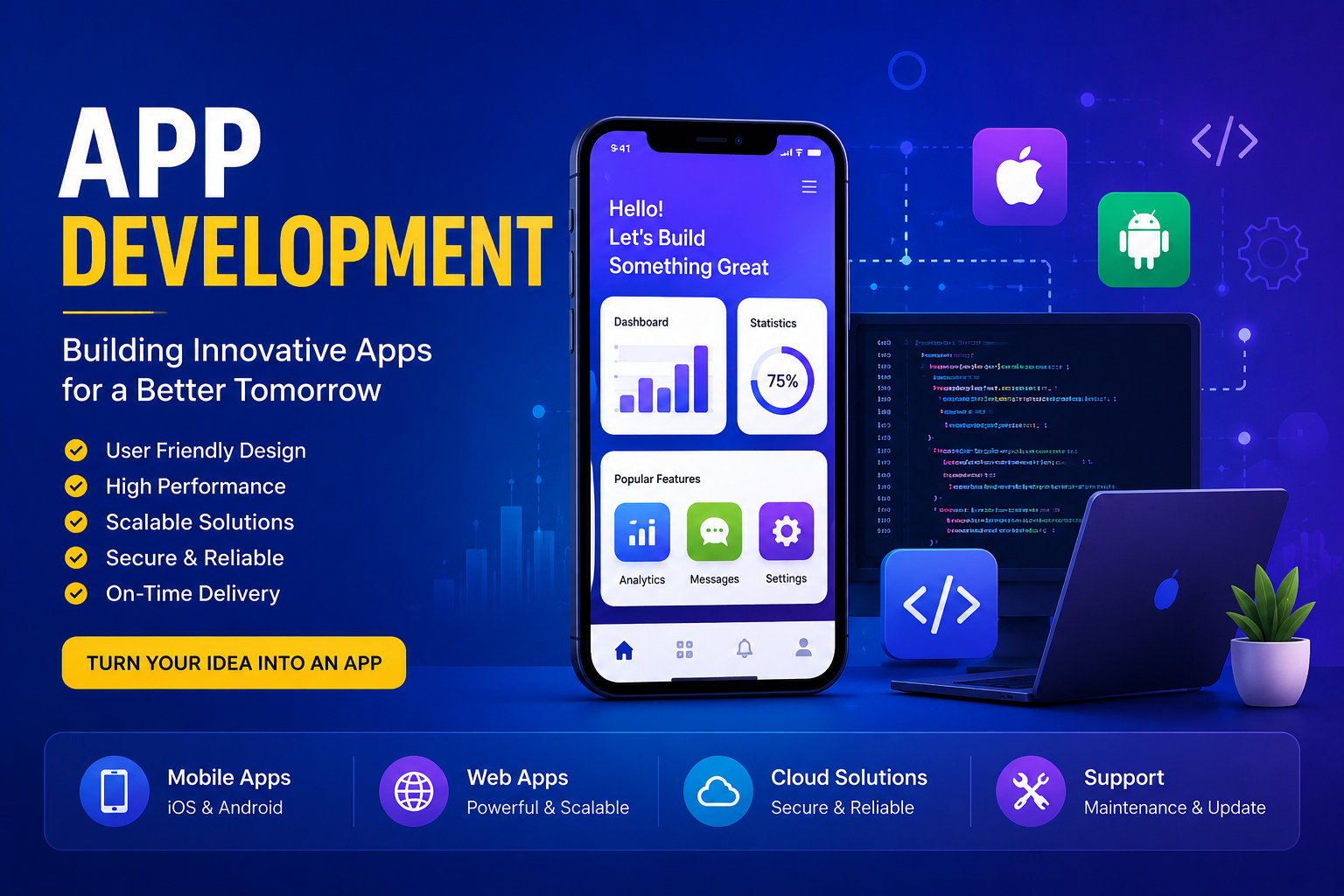
App Development: A Complete Guide to Building Modern Applications

Introduction:-

App development has become an important part of the digital world. From banking and shopping to education and entertainment, mobile and web applications help people complete everyday tasks more quickly and conveniently. Businesses also use applications to connect with customers, improve their services, and create new opportunities.

App development is the process of planning, designing, building, testing, and maintaining software applications. A successful app should not only look attractive but also provide a useful, secure, and simple experience for its users.

What Is App Development?

App development is the creation of software designed to perform specific tasks on mobile devices, computers, or web browsers. Developers use programming languages, development frameworks, databases, and other technologies to turn an idea into a functional application.

The development process usually begins with an idea. Developers then research the target audience, design the application interface, write the code, test different features, and finally release the application. After launch, regular updates may be needed to improve performance and security.
Types of App Development

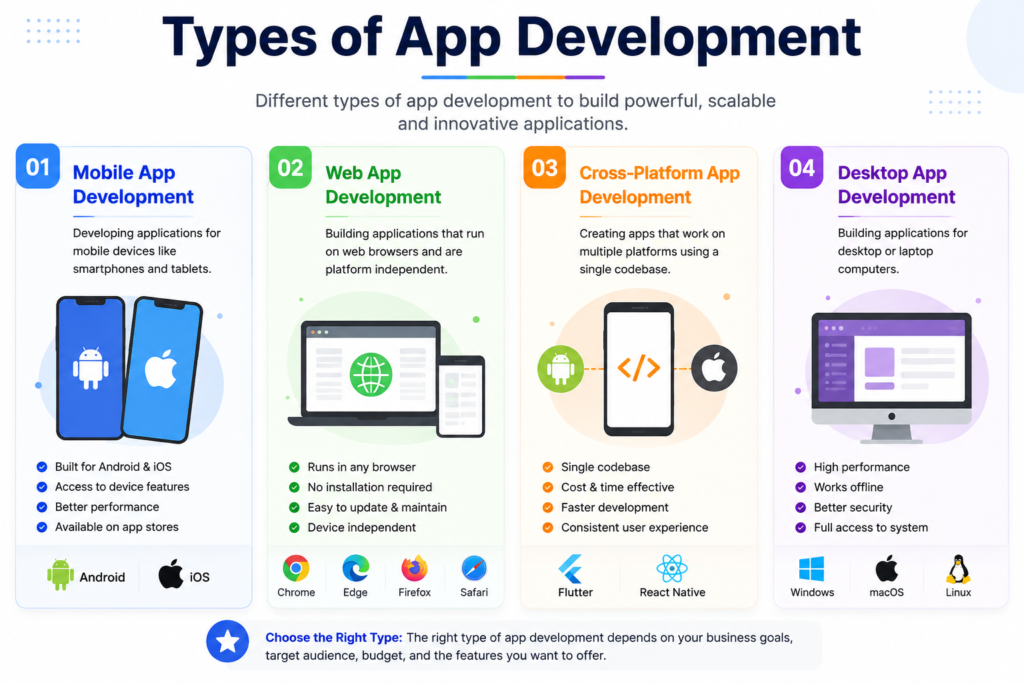
There are several major types of app development. Each type has different advantages depending on the purpose of the application.

1.Mobile App Development

Mobile app development focuses on applications designed for smartphones and tablets. Android and iOS are the two major mobile platforms.

Mobile applications can provide features such as notifications, location services, cameras, payments, and offline access. Businesses often create mobile apps to give customers faster access to their products and services.

2.Web App Development

Web applications run through internet browsers instead of requiring users to install traditional software. Examples include online shopping platforms, email services, project management tools, and educational websites.

One advantage of web apps is that users can access them from different devices as long as they have a compatible browser and internet connection.

3. Cross-Platform App Development

Cross-platform development allows developers to create applications that work on multiple operating systems using a shared codebase. Frameworks such as Flutter and React Native are commonly used for this approach.

This method can reduce development time and make it easier to maintain an application for different platforms.

4.Desktop App Development

Desktop app development involves creating software for computers and laptops. These applications are commonly used for business management, graphic design, accounting, communication, and other professional tasks.

Desktop applications can provide powerful features and may work without a constant internet connection.
Important Steps in App Development

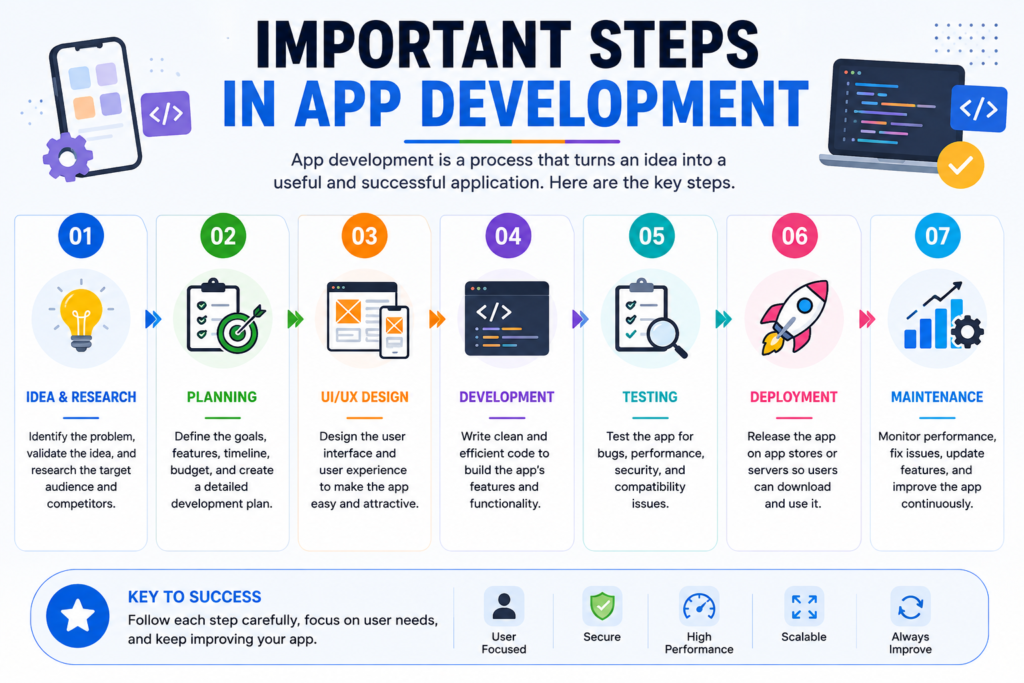
Creating a quality application requires several stages. First, developers define the purpose and target audience. Next, they create the user interface and plan how users will interact with the application.

After the design stage, developers write the required code and connect the application to databases or external services when necessary. Testing then helps identify bugs, security problems, and performance issues before the application reaches users.

Finally, the application is published and maintained. Regular updates can improve security, fix problems, and introduce useful new features.

Why App Development Is Important

Applications can make services easier to access and help businesses communicate with their customers.

A well-designed app can also improve productivity by automating repetitive tasks and organizing information.

For users, applications can provide convenient access to services from almost anywhere. For businesses, they can support customer engagement, digital marketing, sales, and long-term growth.

Conclusion

App development combines design, programming, testing, and continuous improvement to create useful digital products. Whether it is a mobile app, web application, cross-platform solution, or desktop program, the main goal is to solve a real problem and provide a positive user experience

As technology continues to develop, app development will remain an important part of the digital economy. Anyone planning to build an application should focus on usefulness, security, performance, simple design, and the needs of the intended users.

Software Reviews: How to Choose the Best Software for Your Needs

Cybersecurity Tools: Types, Benefits, and How They Protect Your Digital Life

Introduction:-

Cybersecurity tools are becoming more important as people and businesses spend more time online. From personal accounts and smartphones to websites and business networks, digital information can face many security threats. Hackers, malware, phishing attacks, and data breaches can cause serious problems when systems are not properly protected.

Cybersecurity tools are software, services, or technologies designed to protect computers, networks, applications, and data from digital threats. Using the right tools can help users detect suspicious activity, protect sensitive information, and respond quickly to security problems.

In this article, we will explore the main types of cybersecurity tools, their benefits, and why they are important for modern internet users.

What Are Cybersecurity Tools?

Cybersecurity tools are technologies used to prevent, detect, and respond to cyber threats. They can protect individual devices, company networks, online accounts, and valuable data

Some tools work in the background and automatically detect dangerous files, while others allow security professionals to monitor networks and investigate suspicious activity.

Types of Cybersecurity Tools

Antivirus Software

Antivirus is one of the most well-known cybersecurity tools. It scans devices to detect malware such as viruses, trojans, spyware, and other harmful programs.

Modern antivirus software can provide real-time protection and automatically block suspicious files before they cause damage

Modern antivirus software can provide real-time protection and automatically block suspicious files before they cause damage

Modern antivirus software can provide real-time protection and automatically block suspicious files before they cause damage

Modern antivirus software can provide real-time protection and automatically block suspicious files before they cause damage

firewalls

A firewall monitors network traffic between a device or network and the internet. It can block unauthorized connections while allowing legitimate traffic.

Firewalls are important for both individuals and organizations because they provide a key layer of protection against unwanted access.

3.Password Managers

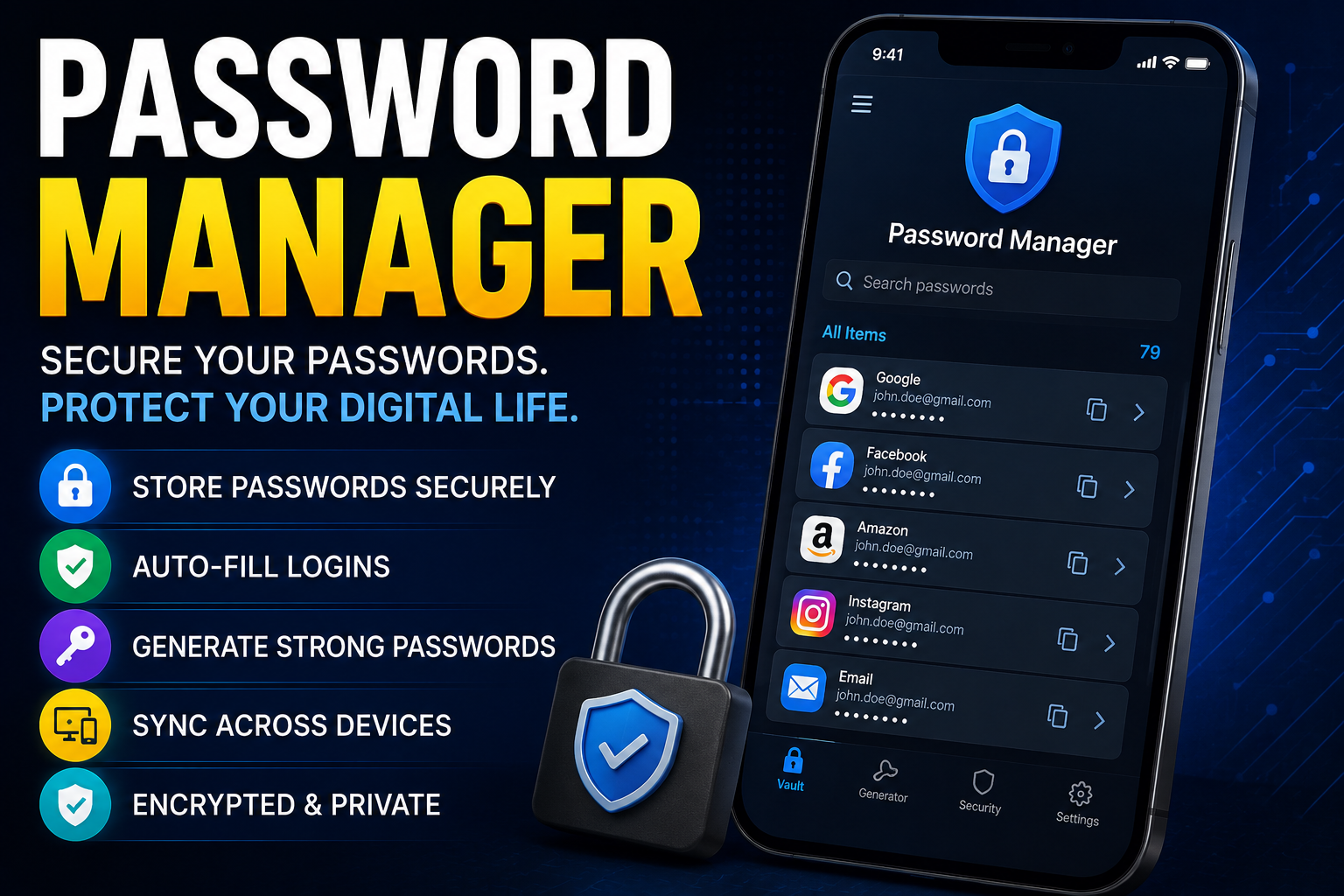
Password managers help users create, store, and manage strong passwords. Instead of remembering many passwords, they can be securely stored in a single protected application.

Using different passwords for each account reduces the damage that can occur if one password is stolen.

4.VPN Tools

AVPN Tools VPN (Virtual Private Network) encrypts internet traffic and increases privacy when using online services. It is especially useful when using public Wi-Fi.However, a VPN should be seen as part of online security, not a complete solution that protects against all cyber threats.

5.Encryption Tools

Encryption tools protect data by converting it into an unreadable format. Only someone with the correct key can access the original information.

Encryption is widely used to protect files, communications, financial data, and other sensitive information.

6.Network Monitoring Tools

These tools help security teams monitor network activity. They can detect unusual traffic, suspicious connections, and potential security incidents.They are especially important for organizations that manage large networks and many devices.

7.Vulnerability Scanners

Vulnerability scanners examine systems, applications, and networks to find known security weaknesses. Early detection of vulnerabilities allows them to be fixed before attackers can exploit them.Regular security scanning is an important part of a company’s security strategy.

Benefits of Using Cybersecurity Tools

Cybersecurity tools offer many benefits. They help protect personal data, reduce the risk of malware, detect suspicious activity, and improve digital

privacy.For organizations, these tools also help protect customer data, company systems, and important files. Automated monitoring can save security teams time by identifying problems early.

How to Choose the Right Cybersecurity Tools

Choosing cybersecurity tools depends on your needs. A home user may need antivirus software, a password manager, and reliable device protection. A growing business may require firewalls, network monitoring, vulnerability scanning, encryption, and other security solutions.

Before choosing a tool, consider its security features, ease of use, compatibility, reputation, update frequency, and cost. It is also important to keep security software updated, as new threats appear regularly

Conclusion

Cybersecurity tools play a vital role in protecting individuals, organizations, devices, and data from online threats. Antivirus, firewalls, password managers, VPNs, encryption tools, network monitoring, and vulnerability scanners each provide different layers of protection.

No single tool can stop all cyberattacks. A combination of appropriate security tools, strong passwords, regular updates, and careful online behavior can create a very strong defense.

As technology continues to evolve, cybersecurity will remain an essential part of safe and responsible internet use.

Password Managers: The Key to Your Digital Security

Password Managers: The Key to Your Digital Security

In today’s modern world, we all own numerous online accounts. Whether it is social media, banking, or work emails, each requires a strong, unique password. Naturally, no one can remember dozens of complex passwords filled with letters, numbers, and symbols. This is exactly where a password manager helps.

What is a Password Manager?

A password manager is a software application designed to securely store, manage, and generate your passwords. Think of this program as a high-security electronic safe. You store all your individual credentials inside, and this safe is locked with just one primary master password. This means you only need to remember one single password to access all your online accounts.

Why is it Important to Use One?

Many people reuse the same password across multiple accounts or choose simple options like “123456” or their names. This habits pose a massive risk to your digital security. If cybercriminals (hackers) breach one account, they can easily access all your other accounts.

A password manager eliminates this problem by performing these essential functions:

Generating strong passwords: It creates long, complex, and unpredictable passwords for you.

Automatic autofill: When you visit a website, the application automatically inputs your username and password.

Secure encryption: Your passwords are hidden using top-tier encryption (zero-knowledge architecture) that even the service provider cannot read.

Types of Password Managers

These applications are generally divided into two main categories:

1.Cloud-Based Managers

This type stores your passwords on secure internet servers (the cloud). The biggest advantage is syncing across all devices—your phone, computer, or tablet—as long as you have internet. Popular examples include Bitwarden, 1Password, and Dashlane.

2.Local Storage Managers

This type stores your data exclusively on your physical device (like your local hard drive). Because the data never leaves your device, it is highly secure against remote server hacks. However, if your computer breaks or is lost, you lose your passwords unless you have a separate backup. The most popular example is KeePass.

How to Choose the Right One

When selecting a password manager, consider these crucial factors:

Encryption standard: Ensure the software uses AES-256 bit encryption, which is the global security standard

Cross-platform compatibility: Check if it runs smoothly on all your devices (Android, iOS, Windows, Mac).

Two-Factor Authentication (2FA):app must support an extra security layer for your safe, like biometrics or authenticator codes.

Conclusion

Cybersecurity starts with your password. Using a password manager is no longer just a convenience; it is a necessity to protect your private data and digital assets. By adopting one tool, you save yourself from the massive headache and financial risk of compromised accounts.

Software Reviews: How to Choose the Best Software for Your Needs
Software Reviews: How to Choose the Best Software for Your Needs

Choosing the right software can save time, improve productivity, and make everyday tasks much easier. With thousands of applications available today, finding the perfect option is not always simple. Reading reliable software reviews helps users compare features, pricing, performance, and customer support before making a decision.

Why Software Reviews Matter

Software reviews provide valuable insights from experts and real users. They highlight the strengths and weaknesses of different programs, making it easier to choose software that matches your needs. Whether you need a project management tool, video editor, antivirus program, or graphic design application, reviews can help you avoid poor-quality products.

Good reviews also explain how software performs in real-world situations instead of relying only on marketing claims. This gives buyers more confidence before purchasing or subscribing.

Key Factors to Consider in Software Reviews

When reading a software review, pay attention to these important factors:

Features: Does the software include the tools you need?

Ease of Use: Is the interface simple and beginner-friendly?

Performance: Does it run smoothly without frequent crashe

Security: Does it protect your personal or business data?

Customer Support: Is help available when problems occur?

Pricing: Does the software offer good value for its cost?

Considering these points helps you select software that delivers the best overall experience.

Free vs. Paid Software

Many software applications offer free versions with basic features. These are suitable for personal use or beginners. However, paid software often provides advanced tools, better security, cloud storage, regular updates, and dedicated customer support.

Before upgrading, compare the free and premium versions to determine whether the additional features are worth the investment.

Benefits of Reading User Reviews

User reviews offer honest opinions based on real experiences. They often mention issues that official product pages may not discuss, such as bugs, update problems, or customer service quality

Reading both positive and negative reviews provides a balanced understanding of the software. If many users report the same problem, it is worth considering before making a purchase.

Tips for Choosing the Best Software

Selecting software becomes easier when you follow a few simple steps:

1.Identify your specific needs.

2.Compare multiple software options. 3.Read recent reviews from trusted sources.

4.Test the free trial if available.

5.Compare pricing plans and features.

6.Check how often the software receives updates.

7.Ensure it is compatible with your device or operating system.

These steps help reduce the risk of choosing software that does not meet your expectations.

Conclusion

Software reviews are an essential resource for anyone looking to make informed technology decisions. They provide detailed information about features, usability, pricing, security, and overall performance. By reading trusted reviews and comparing different options, you can confidently choose software that fits your personal or business needs.

Taking a few minutes to research before downloading or purchasing software can save money, improve productivity, and help you find reliable tools that support your long-term goals.

AI Image Generator: Transforming Ideas into Stunning Visuals

AI Image Generator: Transforming Ideas into Stunning Visuals

Artificial intelligence has changed the way people create digital content, and one of the most exciting innovations is the AI image generator. Instead of spending hours drawing or editing images, users can now describe what they want in a few words and receive high-quality artwork within seconds. This technology is making creativity more accessible for everyone, from beginners to professional designers.

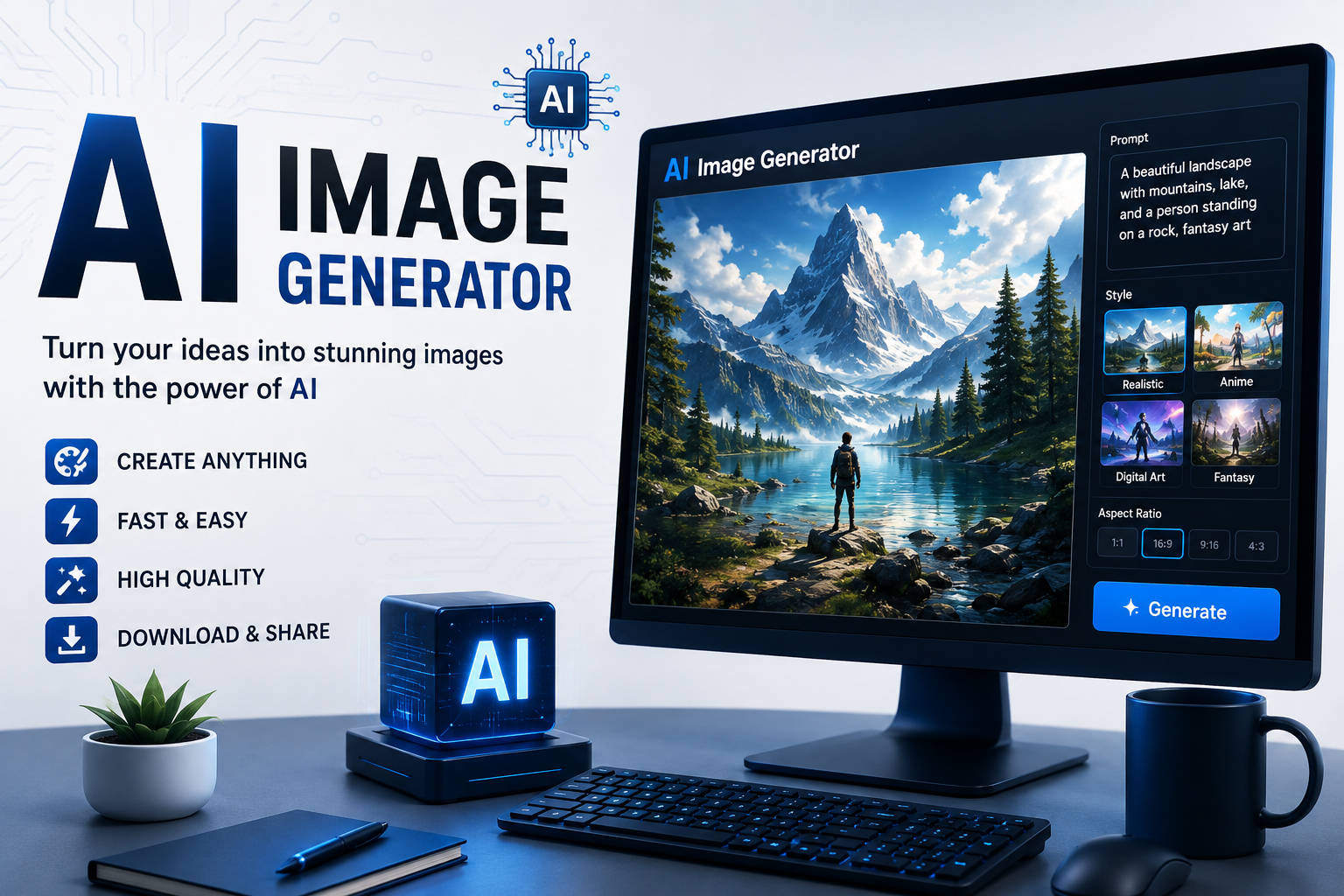
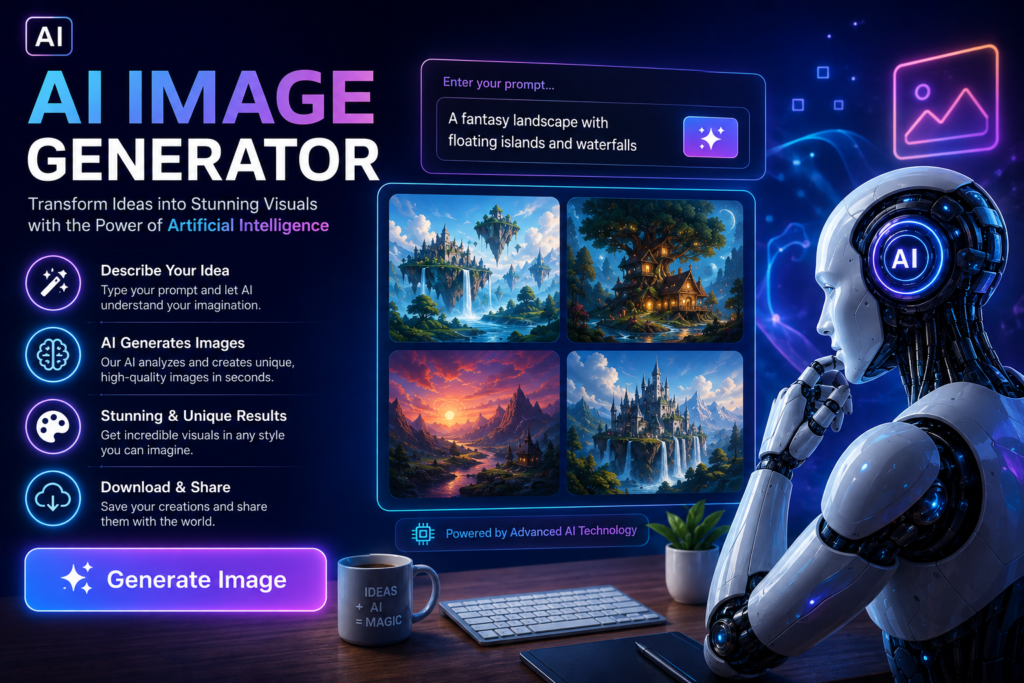
An AI image generator uses advanced machine learning models trained on millions of images. By understanding text prompts, the AI can produce unique illustrations, realistic photos, digital paintings, logos, concept art, and many other visual styles. Every generated image is created based on the user’s description, making the creative process faster and more efficient.

One of the biggest advantages of AI image generators is speed. Traditional graphic design often requires specialized software and years of experience. With AI, anyone can create eye-catching visuals without advanced design skills. A simple prompt such as “a futuristic city at sunset” or “a cute cat wearing astronaut gear” can produce impressive results in moments.

Businesses are also benefiting from AI-generated images. Marketing teams use them to create social media graphics, blog illustrations, advertising banners, and product mockups. Small businesses can save money by producing professional-looking visuals without hiring a full-time designer. This makes AI an attractive solution for startups and entrepreneurs with limited budgets.

Content creators have embraced AI image generators as well. Bloggers use AI illustrations to make articles more engaging, while YouTubers create attractive thumbnails that increase click-through rates. Social media influencers use AI-generated artwork to make their profiles stand out. Because visual content attracts attention, AI tools help creators build stronger online brands.

Education is another field where AI image generators provide value. Teachers can create educational illustrations, historical scenes, scientific diagrams, and classroom materials quickly. Students can use AI-generated visuals to improve presentations and creative projects while learning about modern technology.

Although AI image generators offer many benefits, responsible use is essential. Users should respect copyright laws, avoid creating misleading or harmful content, and verify that their work follows platform guidelines. Ethical use of AI helps maintain trust while encouraging innovation in digital creativity

To get the best results, users should write detailed prompts. Instead of requesting “a dog,” a better prompt would be “a golden retriever running through a flower field during sunrise with cinematic lighting.” Including details about colors, lighting, style, mood, and camera angle often produces more accurate and visually appealing images.

Many AI image generation platforms also allow users to customize aspect ratios, artistic styles, image quality, and resolution. Some tools can even edit existing images, remove backgrounds, improve image quality, or generate multiple versions from a single prompt. These features make AI useful for both personal and commercial projects.

The future of AI image generation looks promising. As artificial intelligence continues to improve, image quality, realism, and creative flexibility will become even better. New features such as real-time editing, 3D image creation, and personalized design assistants are expected to make digital creativity easier than ever before.

In conclusion, AI image generators are transforming how people create visual content. They save time, reduce costs, and allow anyone to turn ideas into beautiful artwork with minimal effort. Whether you are a designer, marketer, teacher, student, or content creator, AI image generation is becoming an essential tool in the modern digital world. Learning how to use these tools effectively can help individuals and businesses stay creative, productive, and competitive in an increasingly visual online environment.

In conclusion, AI image generators are transforming how people create visual content. They save time, reduce costs, and allow anyone to turn ideas into beautiful artwork with minimal effort. Whether you are a designer, marketer, teacher, student, or content creator, AI image generation is becoming an essential tool in the modern digital world. Learning how to use these tools effectively can help individuals and businesses stay creative, productive, and competitive in an increasingly visual online environment.

Types of AI Image Generator

1.Text-to-Image AI

2.Image-to-Image AI

3.AI Photo Generator

4.AI Art Generator

5.AI Avatar Generator

6.AI Image Editing Tools

7.AI Background Generator

8.AI Logo Generator

9.AI Product Image Generator

10.AI Sketch-to-Image